
Small steps with a visible result
Adding AI does not mean rebuilding the website from scratch. In most cases AI is connected as a separate small service next to the existing site — whether it is built on WordPress, Astro, Next.js or a custom CMS.
It is best to start with one function that gives a visible result: a chat assistant, smart search or help with content. If it works, the next step can be added; if not, the service is simply switched off.
Here are the entry points I recommend, how it works technically and what to watch out for.
Four easy ways to start
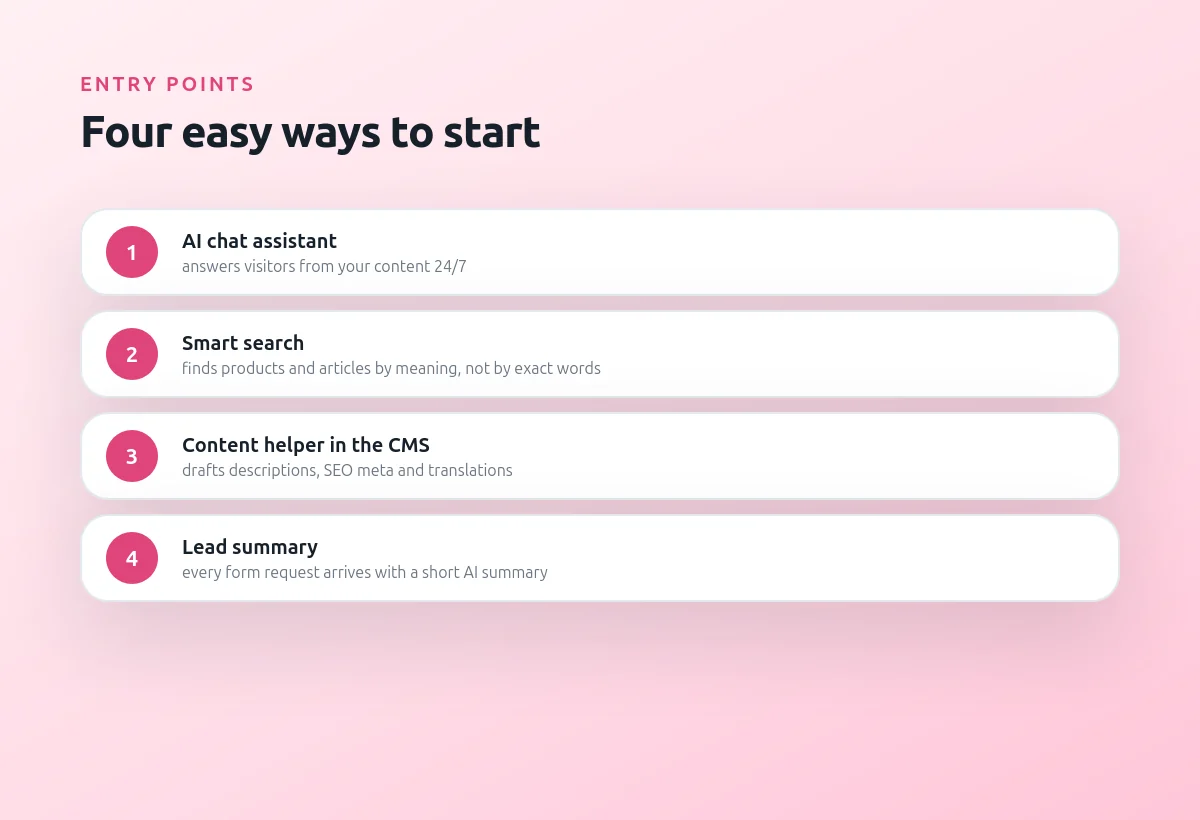
If visitors ask the same questions, a chat assistant that answers from your content will help. If the catalog or blog is large, smart search finds things by meaning: a request "something warm for winter hiking" finds the right jackets even without exact words.
For the team the most useful option is often a content helper in the CMS, and for sales — an AI summary of every request from the website forms.
Choose the one closest to your problem:
- AI chat assistant for visitors
- Smart search by meaning
- Content helper in the CMS
- AI summary of every lead
How it works under the hood
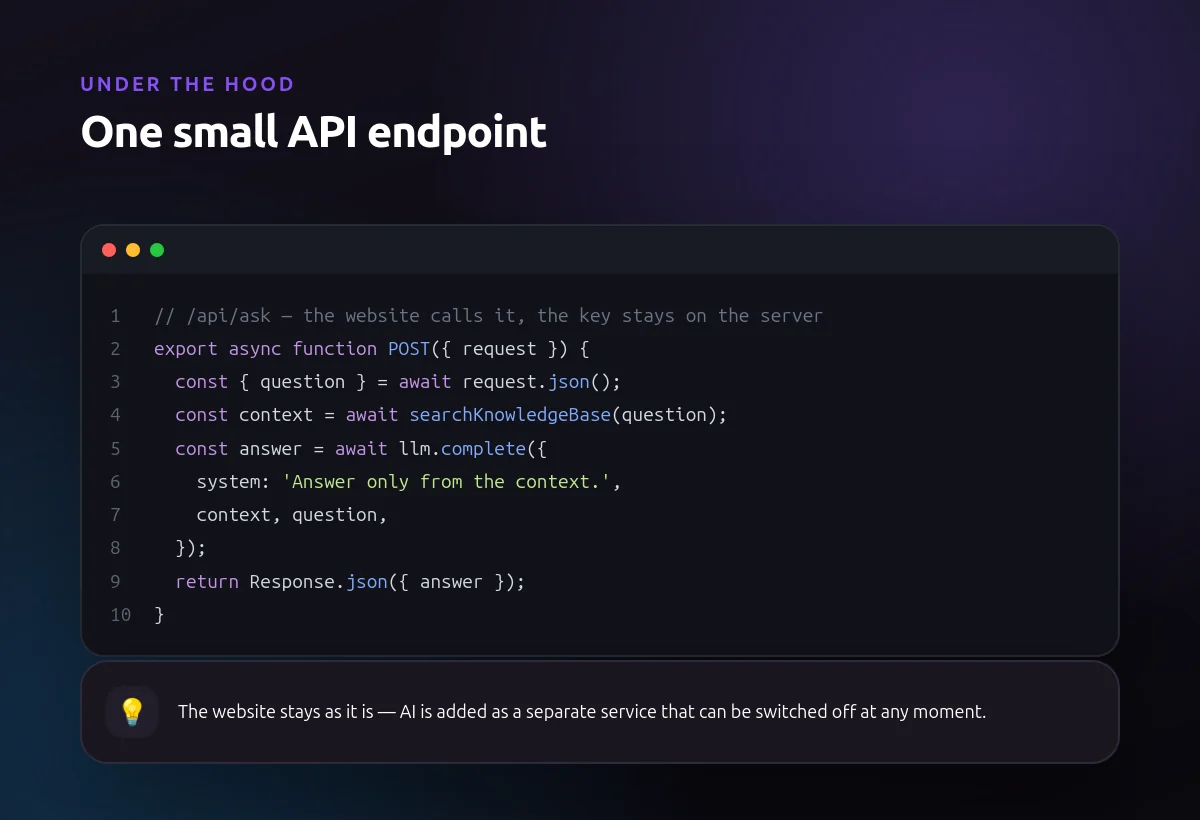
Technically the website gets one new API endpoint. The browser sends the question there, the server finds the relevant content in the knowledge base, calls the language model and returns the answer. The API key never reaches the browser.
This architecture does not depend on the website engine and can be connected to almost any project in a few days. The model provider can also be changed later without touching the frontend.
One small server endpoint
- Works with any website engine
- The API key stays on the server
- The model provider can be changed
Privacy, cost and quality
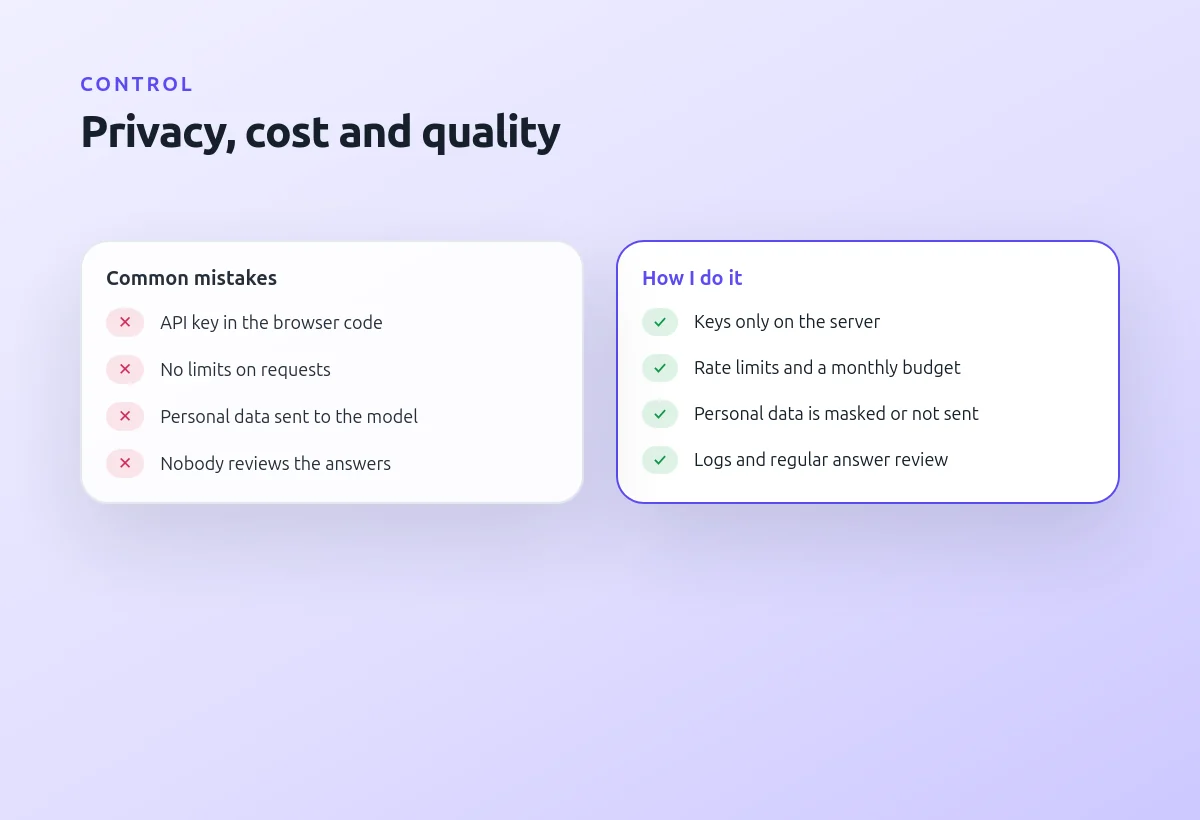
The most common mistakes are an API key in the frontend code, no limits on requests and personal data sent to the model without need. All this is easy to avoid if it is planned at the start.
I set rate limits and a monthly budget, mask personal data and keep logs of answers. Regular review of the answers shows where the knowledge base needs to be improved.
What to set up from day one
- Keys only on the server
- Rate limits and a monthly budget
- Personal data is masked or not sent
- Logs and regular answer review